
Choose which applications need backup
A payment terminal, a cloud phone system, and guest Wi-Fi have different requirements. Decide which applications must continue during an outage and which traffic can wait. Use that list to choose the equipment, traffic policies, and service for each site.
Document the site network
- List the primary internet service, firewall, router, and network handoff at each location.
- Identify business-critical systems and any dependencies on public IP addresses, VPNs, or inbound connections.
- Determine whether backup should protect the full network or selected applications.
- Check power availability for the modem, router, switches, and critical endpoints.
Understand what is switching
Switching from a wired internet connection to a cellular backup is different from switching between cellular carriers. A multi-network SIM does not guarantee that your router can fail over an entire site or preserve every application session. Check what the router and service support.
Ask Advisor whether Kajeet SmartFailover fits your sites, critical traffic, hardware, and coverage requirements.
Test at each site
Use coverage information to choose which networks to test. Check signal and application performance where the equipment will be installed. Test an actual primary-link outage, a degraded connection, and the return to primary service. Check payment, VPN, voice, and other critical application behavior separately.
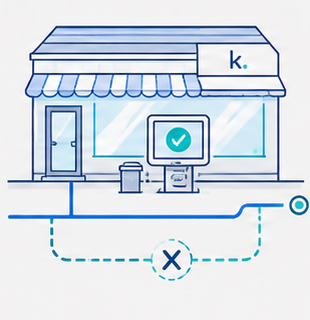
Example: a store with payment terminals
A store may need card payments and inventory access during an outage while pausing guest Wi-Fi. Share those priorities, the number of stores, and the existing router setup with Advisor. The resulting design must still be checked against the payment application and local installation.
Common questions
Will failover prevent every interruption?
No. Detection, switching, application reconnection, power, and shared dependencies can all affect continuity. Validate the outage behavior of your specific applications.
Can I use an existing router?
Possibly. Share its exact model and configuration. Compatibility and supported deployment options must be checked before assuming service-only deployment is suitable.
Does a second cellular carrier replace wired failover?
No. Carrier switching and wired-to-cellular failover solve different problems. A design may use either or both, depending on the required protection.
Kajeet products and pricing
See Kajeet’s solution and pricing overview and connectivity resources. Confirm availability, compatibility, coverage, and terms for your specific configuration.
Plan my solution →